Java代码如何对接流云GPT代理

对接流云GPT代理

如何对接流云代理平台呢? https://liuyuncopilot.com/

使用教程

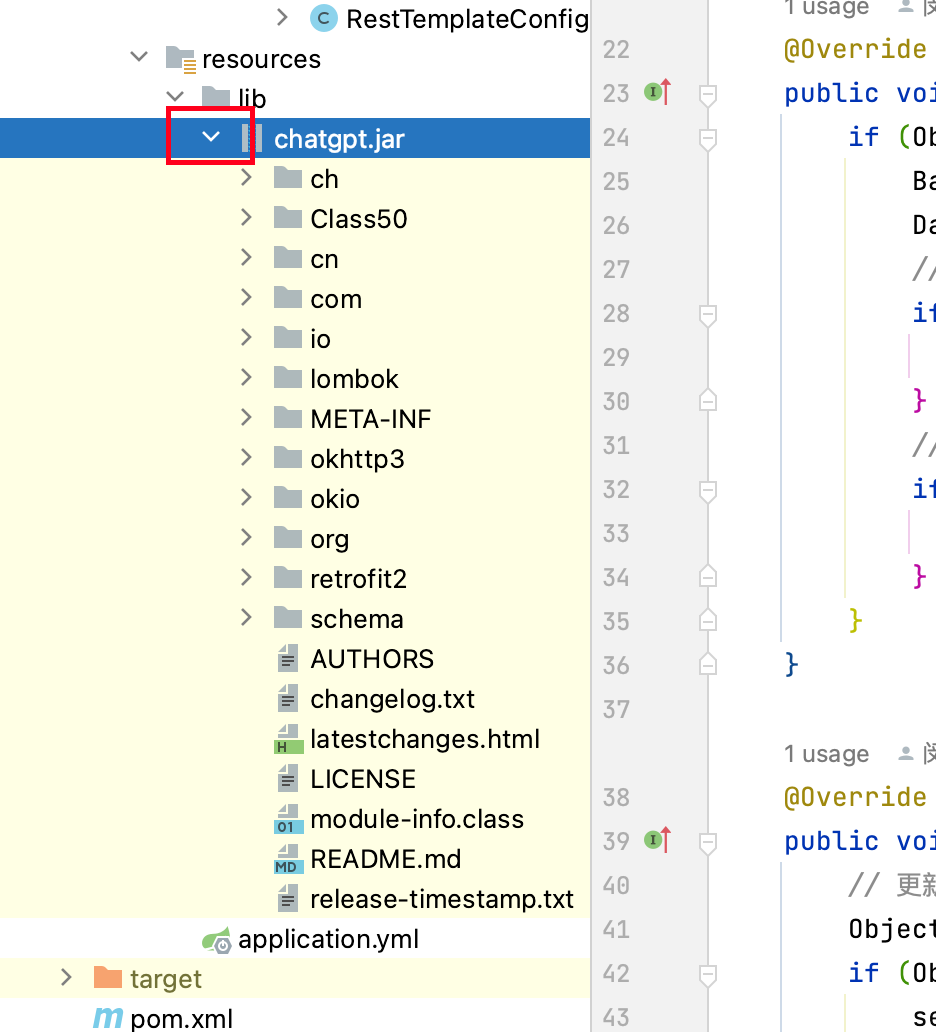
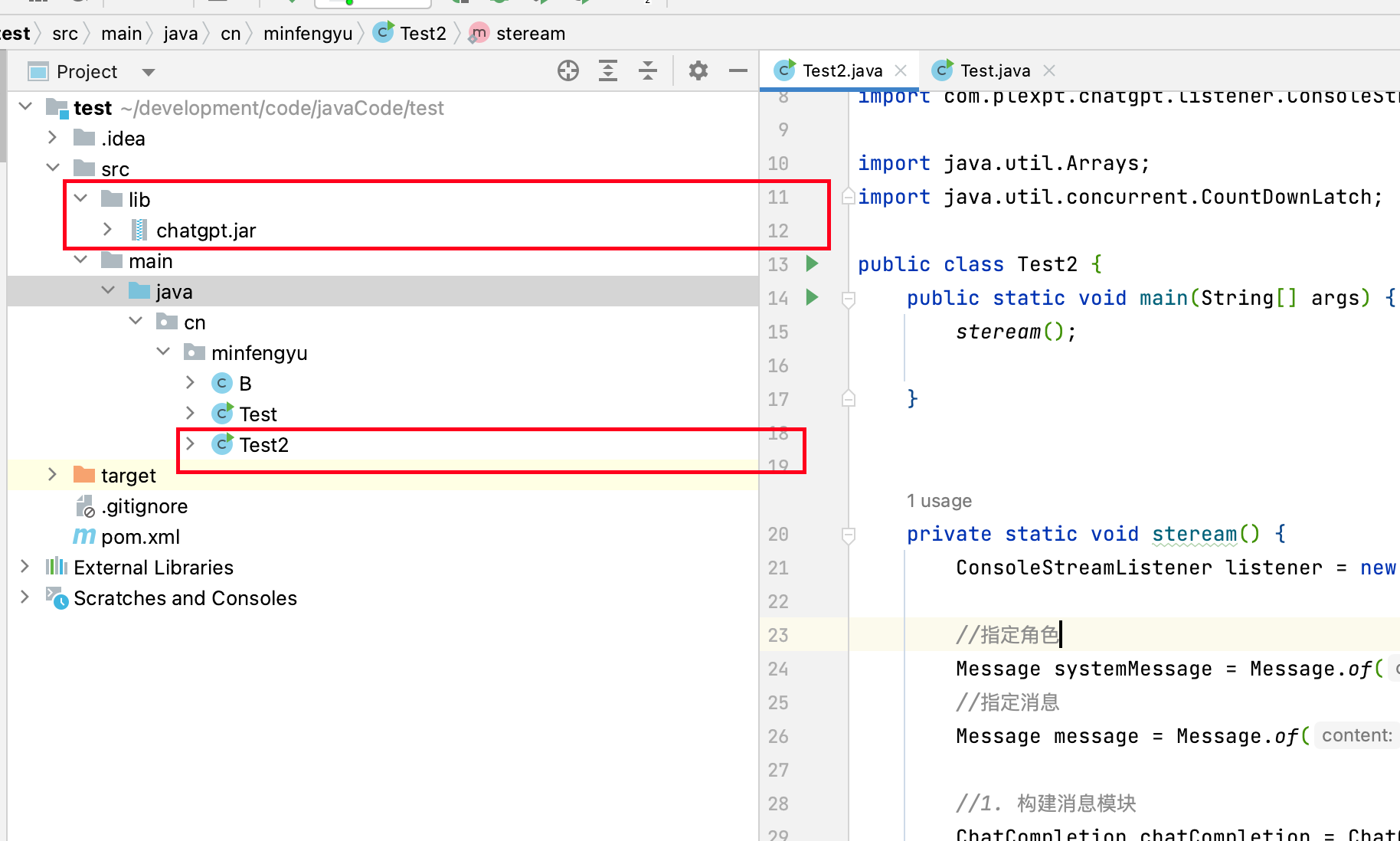
1. 先导入jar包

先导入jar包, jar包地址: 蓝奏云 https://wwva.lanzouq.com/iz5pj14t3qla

2. 先上测试代码
upload successful

下面是Test代码。

1
2
3
4
5
6
7
8
9
10
11
12
13
14
15
16
17
18
19
20
21
22
23
24
25
26
27
28
29
30
31
32
33
34
35
36
37
38
39
40
41
42
43
44
45
46
47
48
49
50
51
52
53
54
55
56
57
58
59
60
61
62
63
64
65
66
67
68

package cn.minfengyu;


import com.plexpt.chatgpt.ChatGPT;
import com.plexpt.chatgpt.ChatGPTStream;
import com.plexpt.chatgpt.entity.chat.ChatCompletion;
import com.plexpt.chatgpt.entity.chat.Message;
import com.plexpt.chatgpt.listener.ConsoleStreamListener;

import java.util.Arrays;
import java.util.concurrent.CountDownLatch;

public class Test2 {
public static void main(String[] args) {
steream();
}


private static void steream() {
ConsoleStreamListener listener = new ConsoleStreamListener();

//指定角色
Message systemMessage = Message.of("你是一个大诗人,超级会写诗歌");
//指定消息
Message message = Message.of("写一篇文章,不少于7000字,题目是:火锅!");

//1. 构建消息模块
ChatCompletion chatCompletion = ChatCompletion.builder()
//插入消息
.messages(Arrays.asList(systemMessage,message))
//选择你需要聊天的模型
.model(ChatCompletion.Model.GPT_4.getName())
.build();

//2. 创建请求模块.
ChatGPTStream chatGPTStream=ChatGPTStream.builder()
//请求的超时时间:
.timeout(600)
//你的userID
.userId("sdf")
//你的 token
.token("sdf")
.build()
.init();

//如果你不需要流式输出,可以直接在这里接受到所有的消息
listener.setOnComplate((s)->{
System.out.println("消息完成之后会输出"+s);
});
//如果你需要流式输出,可以直接在这接收到每一次流式输出的消息。不需要的话,可以直接注释掉。
listener.setOnMessage((sdf)->{
System.out.println("收到消息时候会输出: "+sdf);
});


//3. 开始调用接口
chatGPTStream.streamChatCompletion(chatCompletion, listener);

//卡住测试
CountDownLatch countDownLatch = new CountDownLatch(1);
try {
countDownLatch.await();
} catch (InterruptedException e) {
e.printStackTrace();
}
}
}

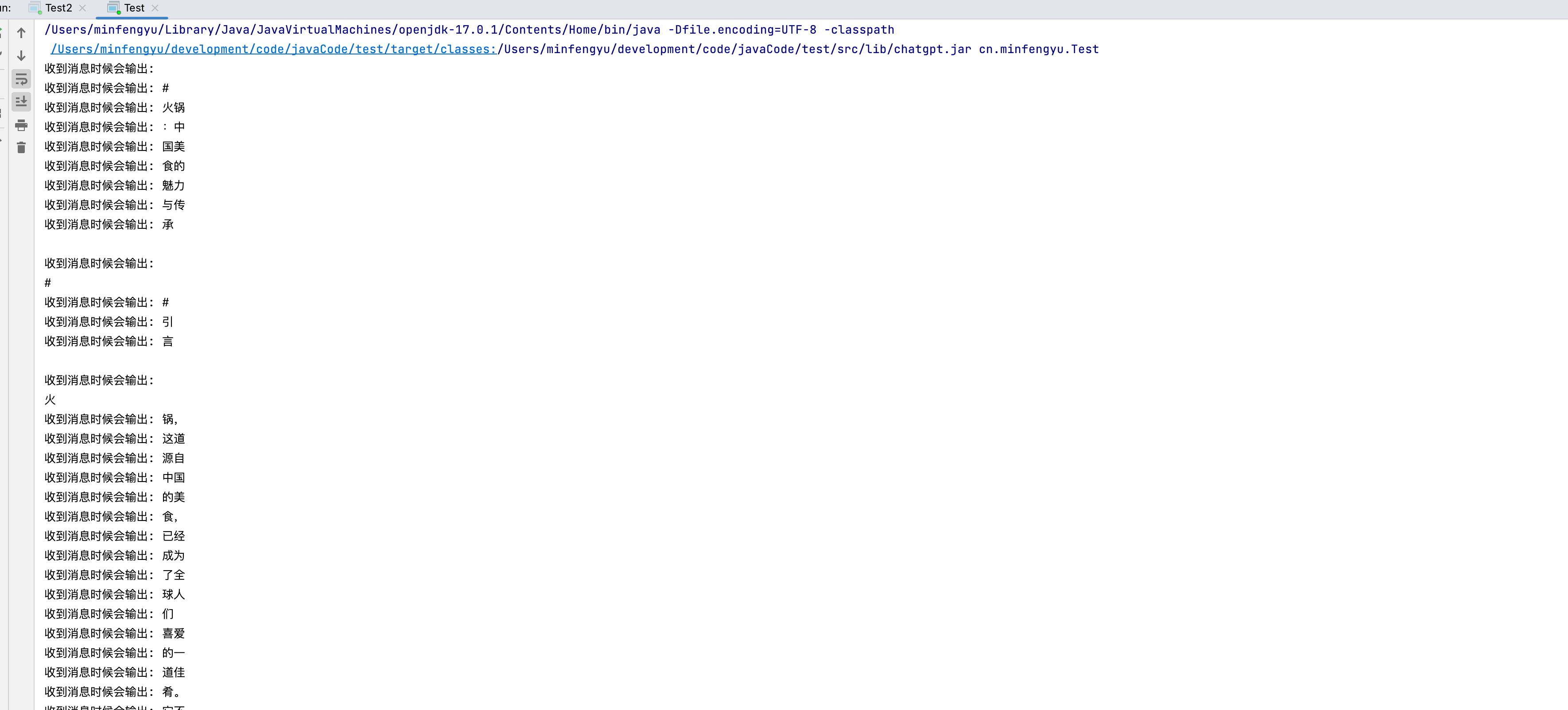
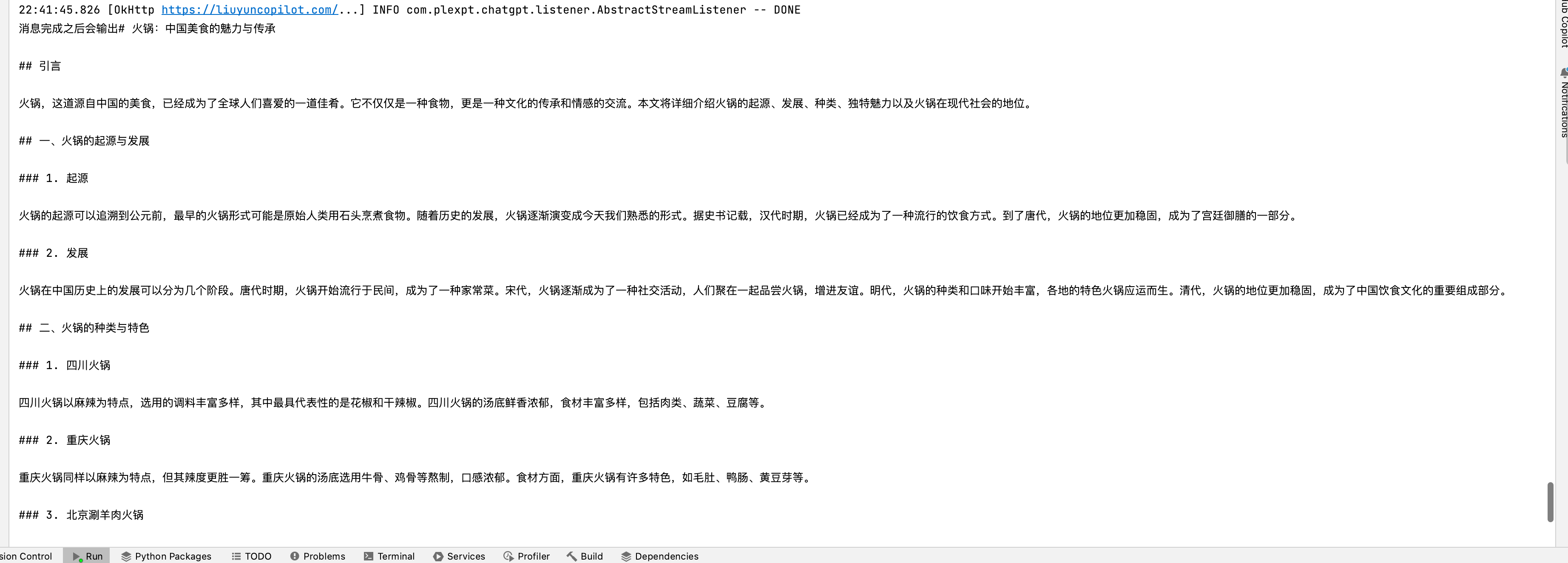
3. 效果图

upload successful

upload successful

注意事项

IDEA项目如何引入外部jar包

  1. 先在resouces 目录下新建一个lib目录

  2. 将jar包复制进去

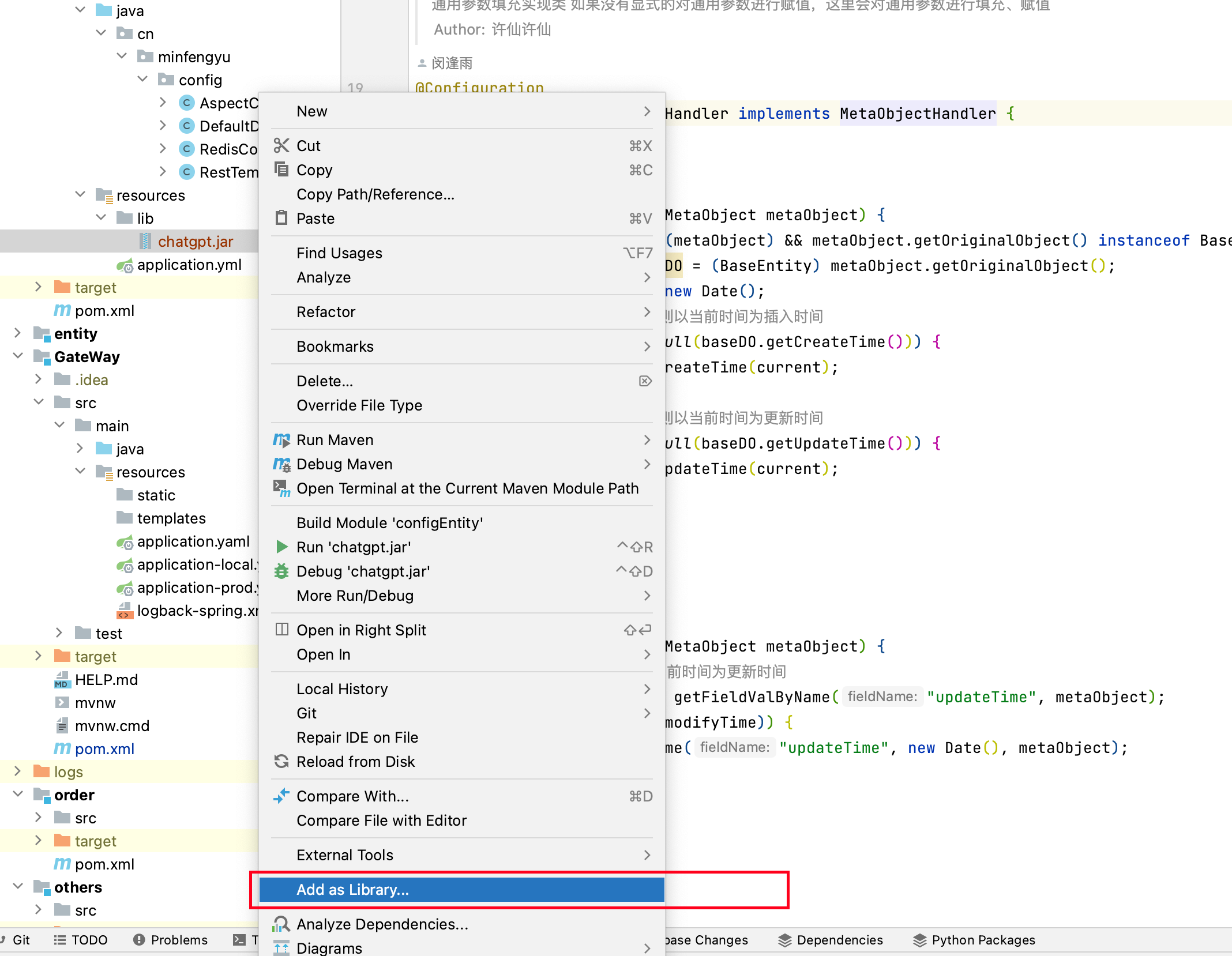
  3. 右击jar包点击Add As Librare

upload successful

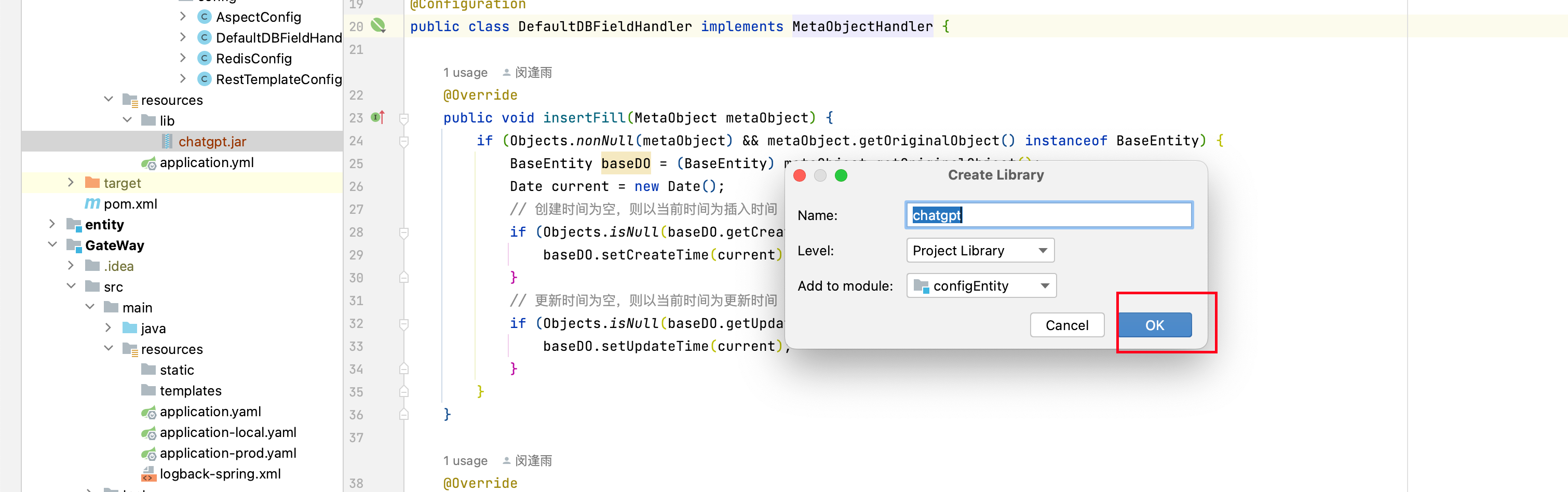
  1. 点击ok即可,出来下拉框即说明导入成功

upload successful

upload successful

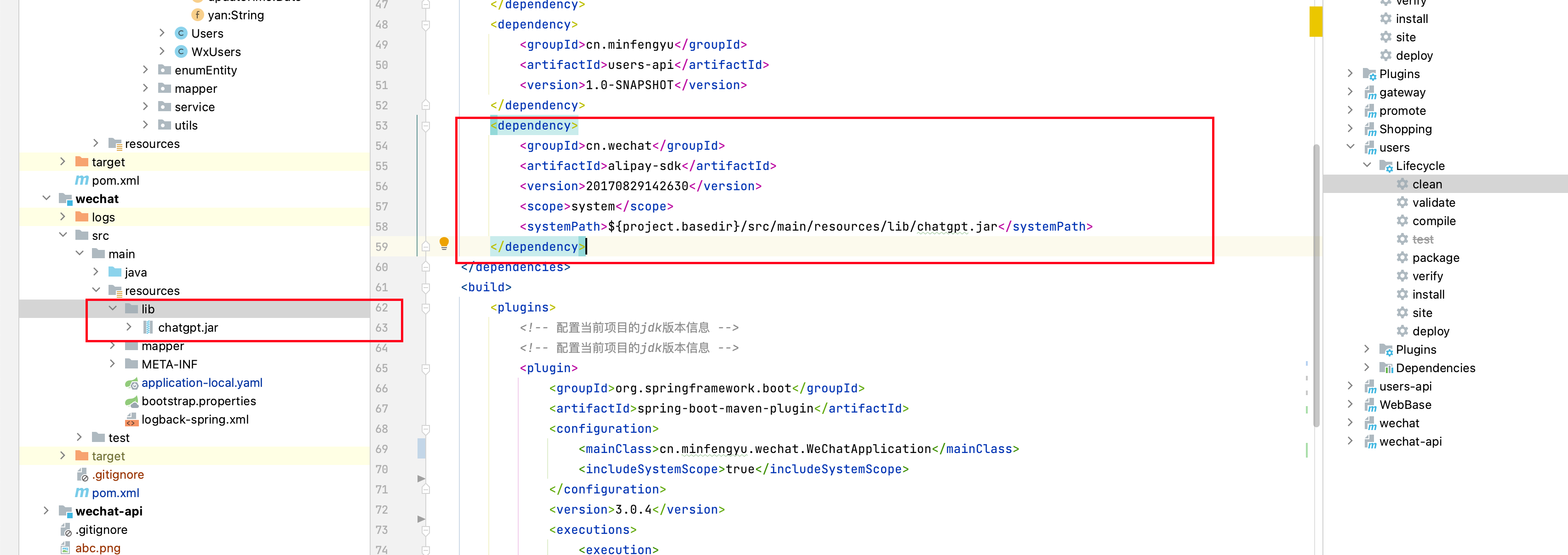
maven项目如何打包外部jar包

除了 systemPath 保持一致,其他的全部乱填都可以
upload successful

1
2
3
4
5
6
7
8

<dependency>
<groupId>cn.wechat</groupId>
<artifactId>alipay-sdk</artifactId>
<version>20170829142630</version>
<scope>system</scope>
<systemPath>${project.basedir}/src/main/resources/lib/chatgpt.jar</systemPath>
</dependency>